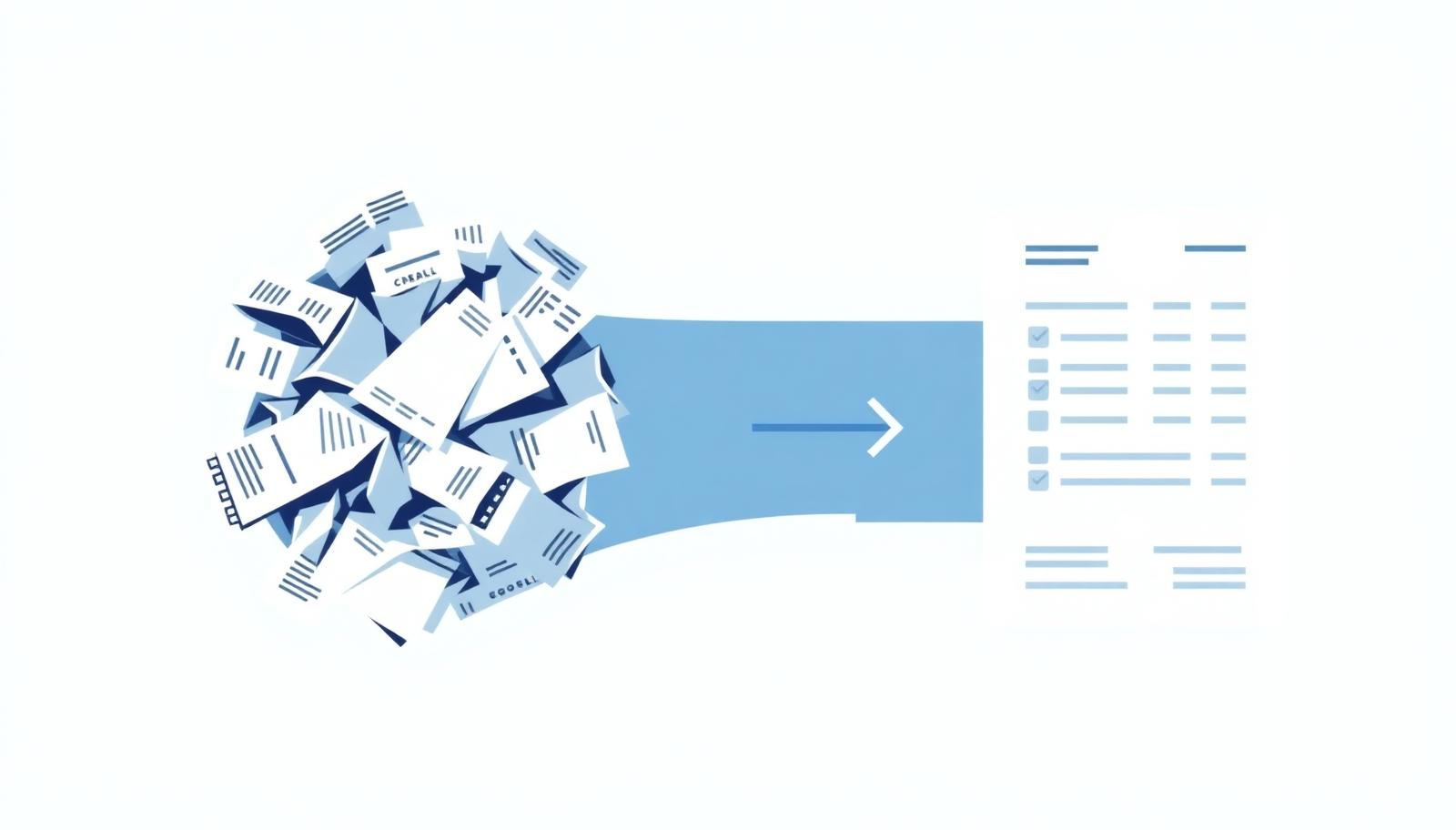
Expense reporting is one of those chores that looks like five minutes of work and turns into an evening. The questions below are the ones that come up again and again, from freelancers tracking their own spending to employees filing a monthly claim. Each answer is practical, and where Trakeet solves the problem we say exactly how.
Why do expense reports take so long?
Almost none of the time goes into the report itself. It goes into finding receipts weeks after the purchase, retyping vendor names and totals, guessing which category something belongs to, splitting VAT out of a gross amount, and chasing the two receipts that never made it into the pile. The report is the last five minutes. The other two hours are data recovery.
The fix is to move the work to the moment of purchase. Capture the receipt when it is still in your hand, let the fields fill themselves, and let the report assemble itself in the background.
What should an expense report include?
- Date of the purchase, not the date you filed it.
- Vendor name and, for business claims, the vendor tax ID.
- Total amount, currency, and the VAT split when you can reclaim it.
- A category, so the totals mean something at the end of the month.
- A short business purpose for company claims.
- The original receipt or invoice attached to the line, not stored somewhere else.
If a line has all six, no one has to email you about it. Trakeet keeps the original file attached to every expense, so the document and its data never drift apart.
Is a photo of a receipt good enough, or do I need the paper?
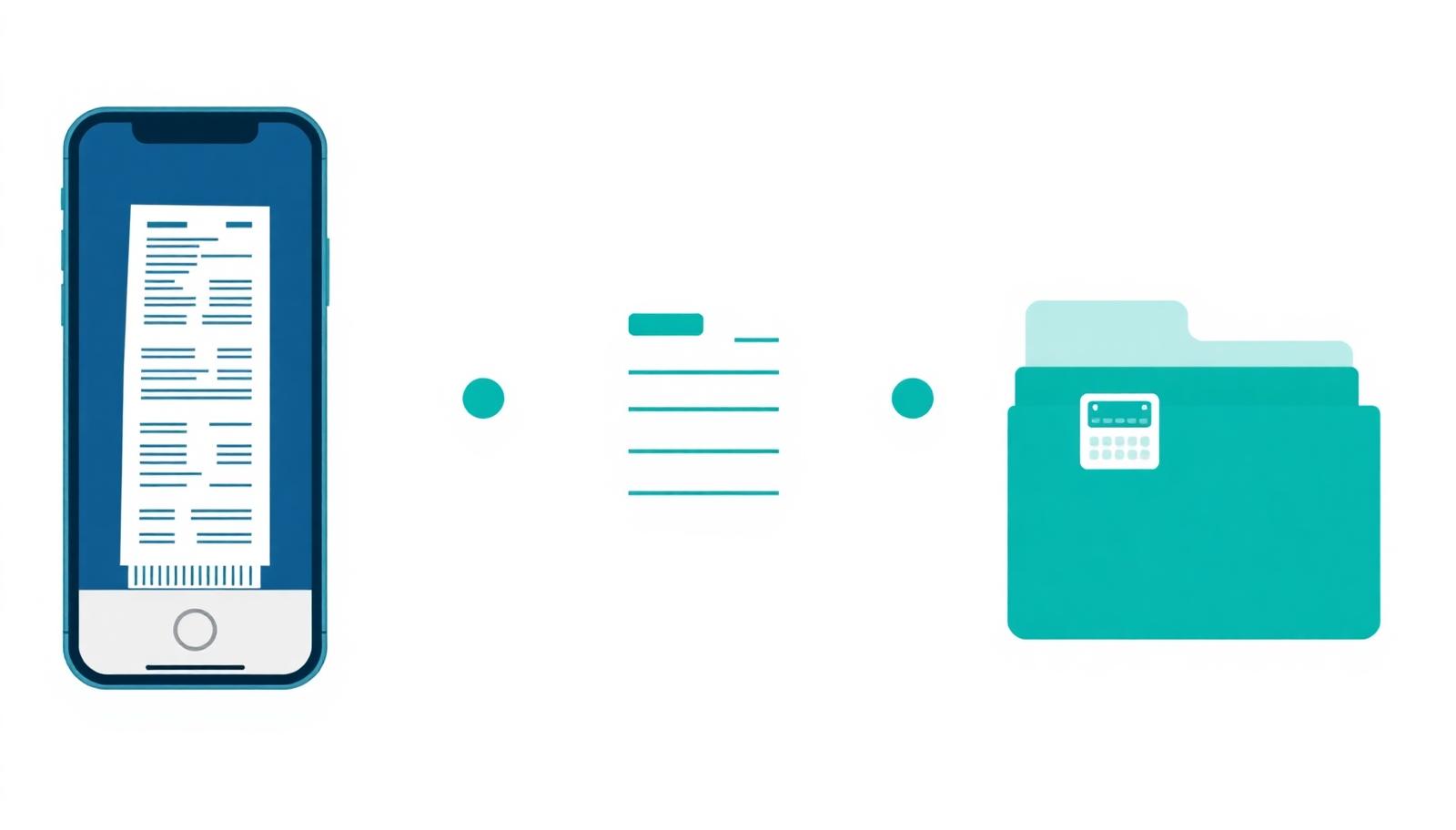
In most of Europe, including Greece, a legible digital copy is accepted for accounting purposes as long as it is complete, unaltered and retrievable for the statutory retention period. Thermal paper fades within months, so a scan is often the more reliable record. The practical rules: capture the whole document including the header and the totals, keep the original file rather than a cropped screenshot, and keep it somewhere you can export from. Confirm the retention period with your accountant, since it varies by country and document type.
How does receipt scanning actually work?
Two very different things get called scanning. Classic OCR reads the pixels and guesses at fields, which is why it struggles with faded thermal paper, angled photos and unusual layouts. Modern extraction sends the image to a vision model that understands the layout and returns structured fields: vendor, date, total, VAT, category, address.
There is a third and better option where it exists. Greek receipts carry a QR code that links to the tax authority record, so the data can be read from the official source instead of being estimated from an image. Trakeet tries the QR route first, marks those fields as verified, and only falls back to AI extraction when there is no usable code.
What about PDFs, email invoices and iPhone HEIC photos?
They all count as receipts and they should all land in the same place. Trakeet renders PDFs inline so you can see the filed document, converts HEIC photos to JPEG in the browser so nothing shows as a broken image, and handles a folder of mixed files in one drag and drop, uploading and scanning in parallel batches.
How do I stop duplicate receipts?
Duplicates come from photographing the same slip twice, or from a paper copy plus an emailed invoice for the same purchase. Matching on amount alone gives false positives, since two coffees on the same day look identical. Trakeet compares tax ID, document number and the fiscal device serial, flags likely duplicates with a banner, and lets you merge them with a dialog that shows every distinct value per field so you keep the correct one. You can also select receipts yourself and merge on demand.
How do I categorise expenses without overthinking it?
Use the smallest set of categories that still answers a real question. If a category has never changed a decision, merge it into another one. Trakeet ships a catalogue of about fifty categories, the AI picks one at extraction time, companies can start from presets and add their own, and you can always correct the choice on the expense.
Can one receipt belong to more than one report?
It should. A supermarket run can be part of your household budget and part of a monthly total at the same time. Trakeet uses a many to many link, so a receipt sits in as many reports as you need, each expense has a dialog listing its memberships, and a bulk action adds a whole selection to a report in one step.
Do I have to build a report at all?
No. Turn on automatic monthly reports in Settings and Trakeet opens the report for the current month and files new expenses into it as they arrive, with totals, receipt counts and spend by category at the top. Generation is idempotent, so you never end up with two reports for the same month.
What does my accountant get at the end?
- A CSV with one row per expense and all the metadata in a report.
- A ZIP of the original receipt files, split into parts when it grows large.
- A manifest.csv inside the ZIP listing each file name, its SHA-256 checksum and the matching row id, so the archive can be verified later.
A five minute month
Scan each receipt when you get it, which takes seconds. Let automatic monthly reports collect them. On the first of the month, open the report, glance at the totals, fix anything the extraction got wrong, and export. That is the whole workflow, and it is the same whether you are tracking a household budget or filing a company claim.