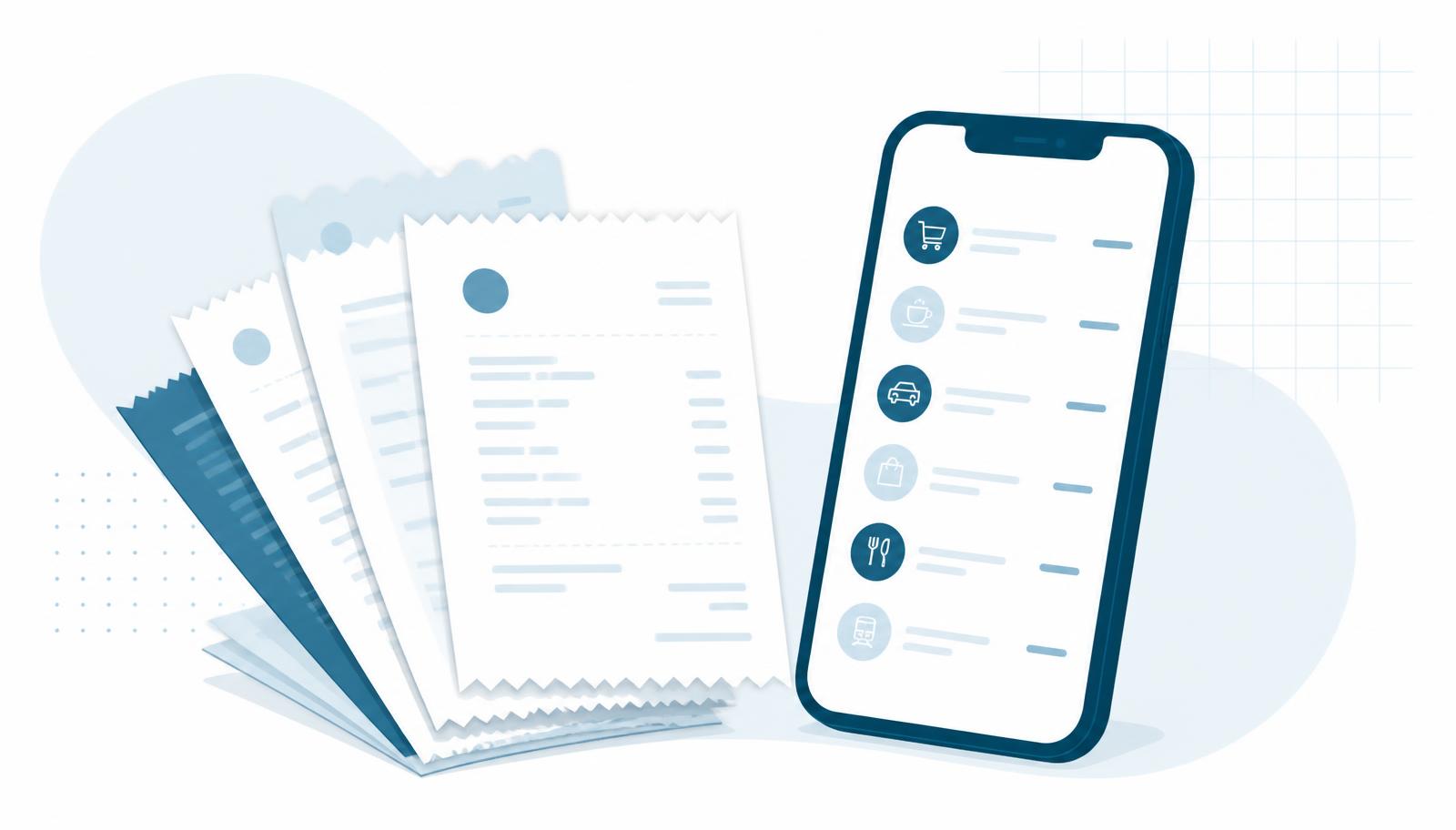
Trakeet started as a company expense tool, but a personal account gets the whole receipt engine without any of the approval bureaucracy. No manager, no policy checks, no card statements to reconcile. Just your own spending, captured accurately and grouped the way you think about it. Here is everything a personal account can do today.
Capture a receipt in whatever form it arrives
Receipts show up as a paper slip, a photo in your camera roll, a PDF invoice by email or a screenshot from a checkout page. Trakeet takes all of them.
- Upload receipts: drag in many files at once. Uploads and scans run in parallel batches, so a stack of twenty receipts is one operation with a single progress toast, not twenty.
- Take photo: on a phone it opens the camera directly; on a laptop it opens a live webcam view so you can shoot the receipt on your desk.
- HEIC photos from iPhone are converted to JPEG in the browser before upload, so the original stays viewable.
- PDF invoices are rendered inline, so the attachment you can see is the attachment that was filed.
Edge detection and auto-crop
While the camera is open, a green outline tracks the receipt's borders. On capture, Trakeet straightens the perspective so an angled photo becomes a flat, rectangular scan. You get a confirmation step where you can nudge the four corners, rotate, or reset to the full frame before anything is saved.
Greek AADE QR codes: exact data, no AI guessing
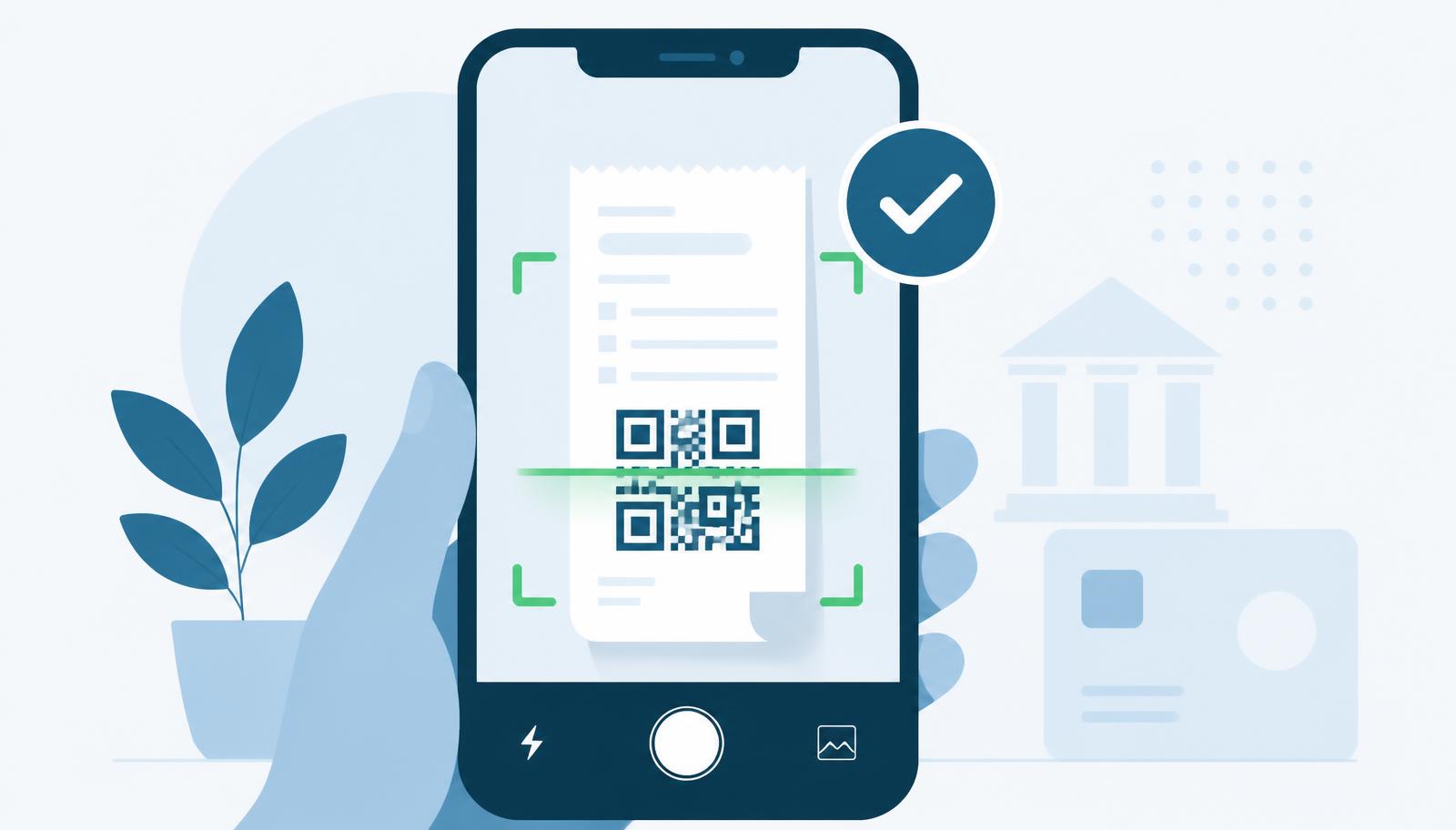
Greek receipts carry a QR code that links to the tax authority's verification page. Trakeet reads that code, from a live camera scan or from a stored photo, and pulls the vendor, tax ID, document number, date, net amount, VAT and total straight from the official record. Those fields arrive marked as verified rather than estimated, and you still get a review screen to edit anything before saving. Only receipts without a usable QR code fall back to AI extraction.
AI extraction for everything else
For any other receipt or invoice, the image or PDF goes to an AI model that returns vendor, date, amount, currency, VAT, a category from a 50-entry catalogue, and a structured address: street, number, postal code and city, alongside the plain location text. Wrong field? Open the expense and edit it; the original file always stays attached.
Expenses without a receipt
Some spending never produces a document: a parking meter, a cash tip, a market stall. Add a manual expense with the same fields as a scanned one, pick the report it belongs to right in the dialog, and use "Save and add another" to enter a run of them quickly.
Duplicates and merging
Photographing the same receipt twice is easy to do. Trakeet compares tax ID, document number and fiscal device serial and flags likely duplicates with a banner you can merge or dismiss. You can also tick two or more receipts yourself and merge them: the dialog lists every distinct value per field so you pick the correct vendor, date and amount, and the surviving record keeps all the attachments.
Reports that match how you budget
A receipt is not locked to a single report. Household, holidays, tax-deductible, this month. A receipt can sit in all of them at once. Each expense has a dialog listing its report memberships so you can remove it from one without touching the others, and a bulk action adds a whole selection to a report in one step.
Automatic monthly reports
Turn the toggle on in Settings and Trakeet opens a report for the current month and files new expenses into it as they arrive. Generation is idempotent, so you never end up with two reports for the same month. Every report carries aggregate statistics: total, receipt count, spend by category, at the top.
Insights
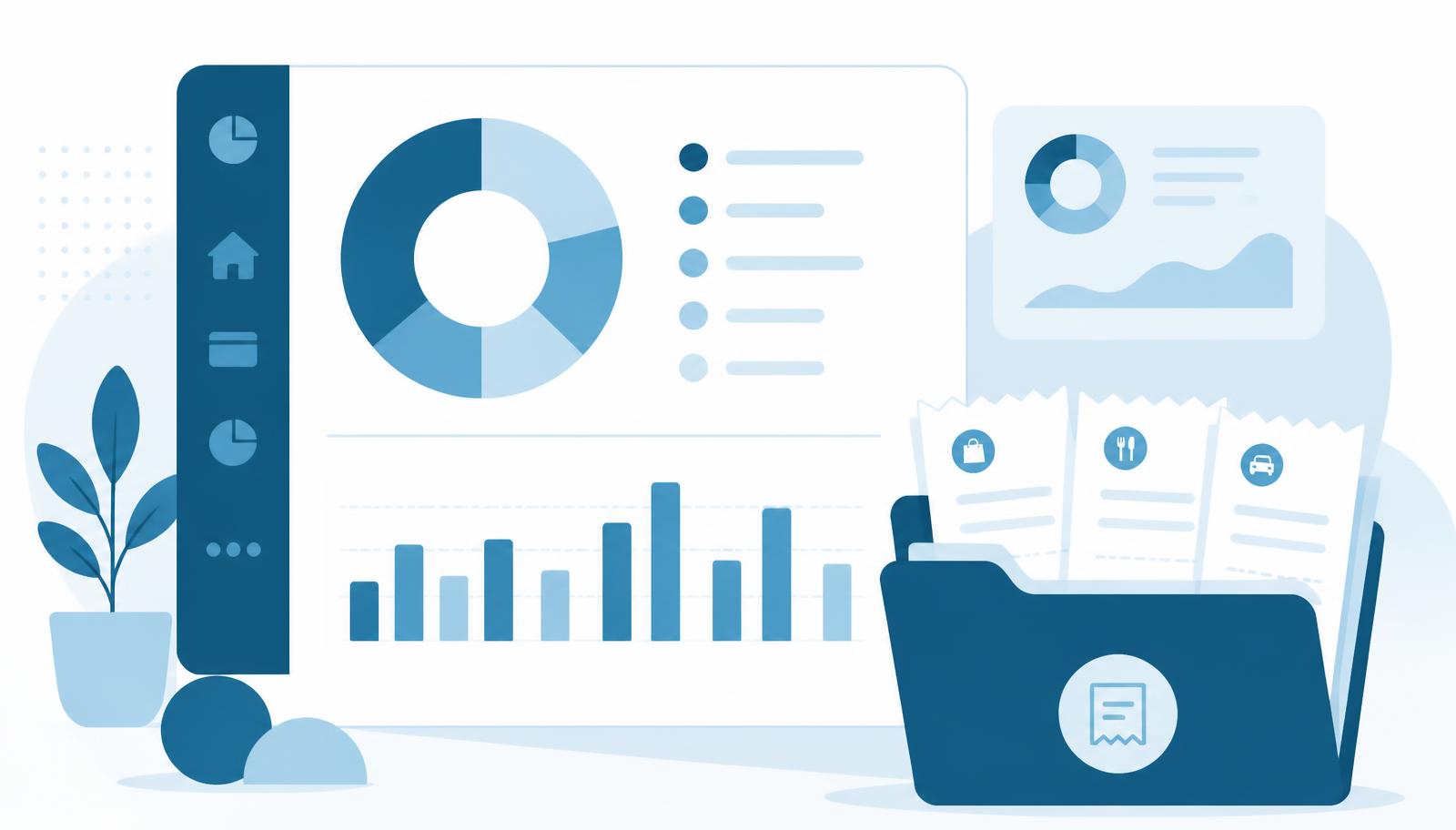
The Insights dashboard answers the two questions that matter month to month: where the money went by category, and how this month compares with the ones before it. It reads your whole history, not just the current report.
Exports you can hand to an accountant
- CSV of every receipt's metadata in a report, one row per expense.
- ZIP of all the original receipt files from that report, split into parts when it gets large.
- A manifest.csv inside the ZIP listing each file name, its SHA-256 checksum and the matching metadata row id, so the archive can be verified later.
Sharing with a partner, family or flatmates
Expenses are rarely only yours. A personal account can share in two ways, and in both cases you choose the access level: Viewer sees and exports, Contributor also adds their own receipts, Editor can edit or remove anything.
- Share a single report: the Share button on a report creates a single-use invite link you can send over WhatsApp, SMS or email. It expires after 14 days if unused and can be revoked at any time.
- Share a whole space: create a shared space in Settings, for example Home, and invite people once. Everything inside it, receipts and reports, is visible to the members, and new receipts you add join it automatically.
- The person you invite opens the link, sees who invited them and to what, signs in or signs up, and lands straight on the shared report.
- Reports other people shared with you appear in a Shared with me section of your Reports list, with the owner's name and your access level.
- You stay in control: change someone's level, remove them, or revoke a pending link. Receipts keep their original owner and monthly limits stay per person.
Greek and English, on your phone
The whole interface is available in Greek and English, switchable from Settings and preselected from your browser language. Trakeet installs as an app on Android and iOS. Add it to your home screen and it opens full screen, camera included.
Fair-use limits
A personal account currently includes 30 receipts and 40 AI scans per month, with live usage bars in Settings. Receipts read from an AADE QR code do not consume the AI allowance. Subscription plans with higher limits are coming.
Getting started
Sign in with your email or Google account, choose the personal account type, and upload your first receipt. There is nothing to configure. The categories, reports and monthly statistics appear as soon as data exists.